> ## Documentation Index
> Fetch the complete documentation index at: https://reown-5552f0bb-devin-1759771246-appkit-1-8-9-docs.mintlify.site/llms.txt
> Use this file to discover all available pages before exploring further.
# Theming
The theme for the AppKit integration in your dApp can be fully customized.
## ThemeMode
By default `themeMode` option will be set to user system settings 'light' or 'dark'. But you can override it like this:
```ts theme={null}
createAppKit({
//...
themeMode: "light",
});
```
## themeVariables
By default `themeVariables` are undefined. You can set them like this:
```ts theme={null}
createAppKit({
//...
themeVariables: {
"--apkt-color-mix": "#00BB7F",
"--apkt-color-mix-strength": 40,
},
});
```
The following list shows the theme variables you can override:
| Variable | Description | Type |
| ----------------------------- | ------------------------------------------------------------- | -------- |
| `--apkt-font-family` | Base font family | `string` |
| `--apkt-accent` | Color used for buttons, icons, labels, etc. | `string` |
| `--apkt-color-mix` | The color that blends in with the default colors | `string` |
| `--apkt-color-mix-strength` | The percentage on how much "--apkt-color-mix" should blend in | `number` |
| `--apkt-font-size-master` | The base pixel size for fonts. | `string` |
| `--apkt-border-radius-master` | The base border radius in pixels. | `string` |
| `--apkt-z-index` | The z-index of the modal. | `number` |
## Wallet Buttons
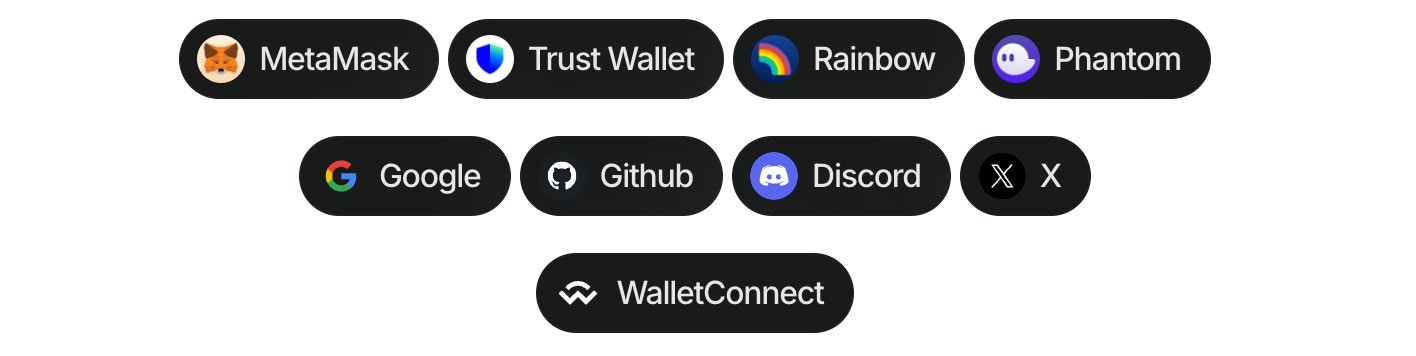
Wallet buttons are components that allow users to connect their wallets to your dApp. They provide a simple and easy way to connect to the top 20 wallets, WalletConnect QR, and all the social logins.
You can also call them directly using hooks. Please check the [components](/appkit/react/core/components#walletButtons) and [hooks](/appkit/react/core/hooks#useappkitwallet) documentation for more information.